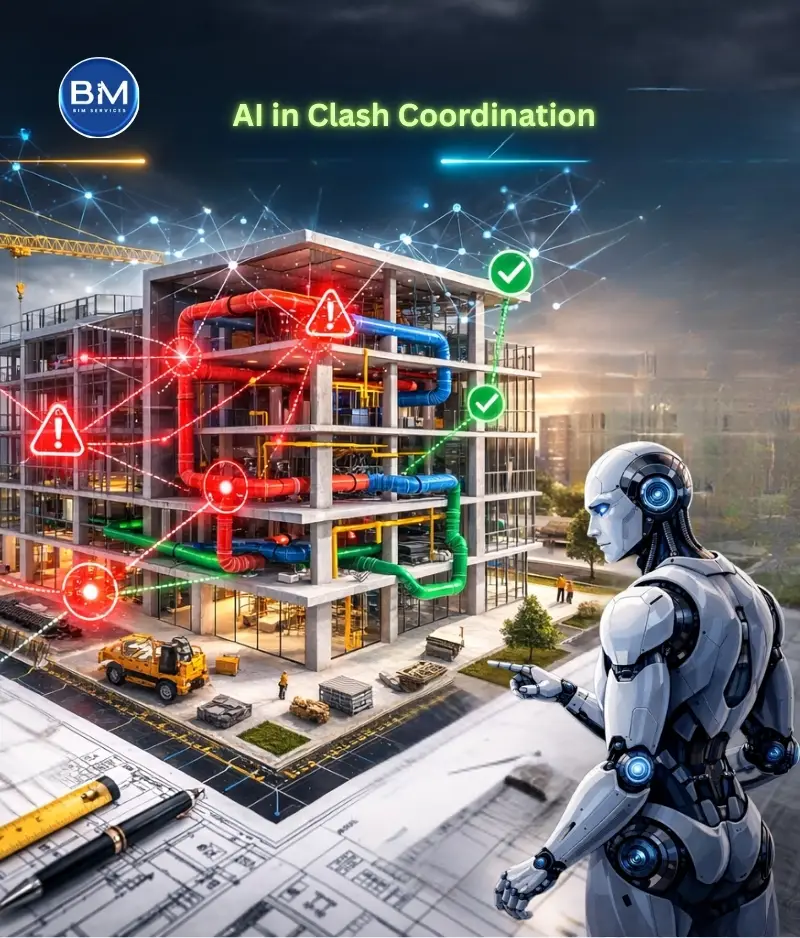
If you’ve ever sat through a coordination meeting where the team scrolls through 400 clashes and still walks away with no real decisions, you already know the truth: clash detection is not the hard part. The hard part is clash coordination—deciding what to fix first, who owns it, and what must be closed before the site gets stuck.
That’s exactly where AI is starting to help. Not by doing some magical “auto-detection” (Navisworks already detects). AI helps by prioritizing—separating site-blocking problems from low-value noise, grouping duplicates into root issues, and pushing the team toward decisions that protect the schedule.
The real problem isn’t clashes. It’s unprioritized clashes.
Most projects don’t suffer because a clash was “missed.” They suffer because the team treated every clash like the same level of emergency.
A raw clash report is a geometry output. It doesn’t understand what the field cares about:
- “Can I install this next week?”
- “Will this fail inspection?”
- “Will this stop the ceiling from closing?”
- “Will this force a rework after rough-in?”
When you don’t answer those questions early, the cost shows up later as RFIs, site reroutes, damaged confidence between trades, and wasted labour. That’s why people pay for clash detection services—not to generate reports, but to prevent site pain. And prevention requires prioritization.
AI is useful only when it helps you do that prioritization faster and more consistently.
Why clash reports explode into “noise” on real jobs
If you’re seeing massive clash counts, it’s rarely because the project is uniquely bad. It’s usually a mix of predictable factors.
First, one real routing problem can generate dozens of clashes. A duct main passing through a tight corridor may clip multiple pipes, cable trays, and hangers. The report shows 40 issues, but the fix is a single decision: “reroute the duct main” (or shift the rack strategy). If your process doesn’t group those into a root issue, the meeting dies in detail.
Second, modelling realities create false urgency. Insulation overlaps, tiny penetrations, placeholder families, or conservative LOD can trigger clashes that look dramatic but won’t stop installing. These shouldn’t disappear; they should simply fall lower in priority so the team doesn’t waste senior attention.
Third, most reports miss context. A clash in a plantroom scheduled for later is not the same priority as a clash in a corridor ceiling that must close this Friday. Without schedule and zone context, everything looks equally urgent.
Finally, ownership gets messy. Many clashes stay open because nobody is clear on “who moves” vs “who approves,” and when the decision is due. AI doesn’t solve construction politics. But it can reduce the chaos by ranking and packaging information in a way that pushes the team toward closure.
What AI should actually do in clash coordination
Here’s the simplest way to think about AI in BIM clash detection:
AI should help your team spend more time on the clashes that will hurt the site, and less time on the ones that won’t. That’s it.
In practice, the best AI-assisted workflows do three things well:
- Prioritize by site impact
Instead of ranking by “penetration depth” alone, AI should lift clashes that block installation, block access, violate clearance, or threaten milestones like slab pours, sleeve approvals, and ceiling close. - Cluster duplicates into root causes
If 30 clashes are caused by one routing conflict, AI should present it as one problem with one decision, not 30 screenshots. - Turn clash data into decision-ready outputs
The output should look like a coordination deliverable: “Top issues in Zone B this week, owners, due dates, decision needed.” Not just “Clash #843.”
If your AI tool or your clash detection services provider can’t do these three reliably, it’s not improving coordination—it’s just adding another layer to manage.
The “site-impact lens” that makes prioritization real
To prioritize properly, you have to define what “impact” means. In the field, impact is usually tied to a small set of outcomes:
- Installability: can the system be installed without rework?
- Sequencing: will one trade block another trade’s planned work?
- Inspection readiness: will this create a compliance or access failure later?
- Fabrication stability: can spools or procurement proceed without changes?
When AI ranks clash using these outcomes, coordination meetings stop being abstract. You’re no longer debating geometry. You’re protecting productivity. And this is where many teams notice something uncomfortable: they’ve been doing “clash detection” but not truly doing clash coordination. The meeting was centred on the report, not on the build plan.
A realistic example (how AI changes the meeting, not the model)
Let’s say your clash report shows 180 clashes in Level 2 Corridor Zone B. A typical meeting approach is: pick 20, argue, defer, repeat next week.
An AI-prioritized approach changes the flow. Instead of 180 individual clashes, it groups them and brings forward the few root issues that will block work:
- One root issue: duct main route conflicts with the coordinated pipe rack envelope.
- One root issue: cable tray conflicts with sprinkler main at a tight ceiling elevation.
- One root issue: plumbing slope creates unavoidable structure conflicts unless the route shifts before sleeves are frozen.
Now the meeting becomes about decisions: “Do we shift the rack? Do we drop the ceiling zone? Do we reroute plumbing early before sleeves get locked?” That is real clash coordination—and the number of clashes becomes almost irrelevant.
The best part: the site team understands the output immediately, because it maps to how crews work.
Where AI gives the biggest payoff
AI prioritization shines in the “busy middle” of a project—when trades are routing in parallel and deadlines are close. That’s when noise kills you, because you don’t have time to chase everything. Where AI is less useful is when the fundamentals are broken. If models aren’t aligned, naming is inconsistent, disciplines are mixed, or tolerances are wild, AI can still rank—but it’s ranking a messy dataset. You’ll get less trust and more debate.
So yes, AI helps. But it helps most when your base workflow is stable.
This is why it’s worth having a clean, repeatable detection routine in place first. The internal reference Clash Detection, Done Right fits here naturally—because once your tests, tolerances, and file organization are consistent, AI prioritization becomes dramatically more reliable.
And if your coordination problems are primarily MEP-driven (especially plumbing slopes, risers, and tight ceiling routing), your modelling approach matters a lot. That’s where Clash-Proof Plumbing Workflow fits smoothly—because cleaner upstream plumbing decisions reduce downstream clash noise and recurring rework.
How to implement AI prioritization without changing your whole setup
You don’t need to replace Navisworks or rebuild your pipeline. You need to add a prioritization layer that reflects site reality. Start by ensuring your clash tests aren’t “one giant bucket.” Keep them grouped by intent. A single combined test often creates messy, un-actionable results. When tests are structured, AI can rank within a meaningful context.
Next, attach basic project context to clashes: zone, level, system type, and the milestone it threatens. Even simple tagging changes everything. A clash becomes: “Level 2 Corridor Zone B—ceiling close risk,” not “Clash #492.”
Then, make sure your process defines ownership. Many teams waste weeks because clashes circulate without a clear mover/approver logic. AI can suggest ownership rules, but your team must decide them. Once you do, you’ll see faster closure without adding more meeting time.
Finally, use AI to produce weekly outputs that are “decision packs,” not exports. The coordinator should walk into the meeting with a short list of site-impact items, grouped and ready. When the meeting ends, the output should be: “decisions made, actions assigned,” not “report shared.”
That’s what separates clash detection services that look impressive from clash coordination that actually protects site work.
What to demand from clash detection services that claim “AI”
If you’re hiring or evaluating clash detection services, don’t let the vendor hide behind the word “AI.” Ask for proof in deliverables.
A serious provider should be able to show you, in plain terms, how they:
- rank clashes by site impact (not just geometry severity),
- group duplicates into root issues,
- tie issues to zones and milestones,
- assign responsibility and due dates,
- and track closure week over week.
Also, insist on transparency. If a clash is labeled “critical,” you should see why. If the ranking can’t be explained to a PM or superintendent, it won’t be trusted—and untrusted coordination outputs don’t get acted on. AI that can’t be audited is a risk, not a feature.
How you’ll know AI prioritization is working
You don’t measure success by “clash count.” In fact, clash counts can go up as modelling detail increases. What matters is whether site risk goes down.
In real projects, AI prioritization is working when:
- the same root issues stop reappearing every week,
- the meeting time decreases but closure improves,
- sleeve/opening coordination stabilizes earlier,
- and the site team reports fewer “surprise” conflicts during rough-in and ceiling closure.
The bottom line
Navisworks can find clashes all day. The real value is what your team does next. AI earns its place when it strengthens clash coordination by pushing the team toward the clashes that actually impact install, access, inspections, sequencing, and fabrication. It should reduce noise, group duplicates, and package outputs as decisions—not as endless screenshots. If your current process feels like “we keep detecting clashes but the site still suffers,” you don’t need more detection. You need smarter prioritization and cleaner closure.