If you are a civil engineer, engineering student, BIM professional, construction manager, or a firm exploring BIM, you’ve probably asked: “Is Revit actually useful for civil engineering, or is it just for architects?” Straight answer: yes, Revit is used in civil engineering – but not for everything you do as a civil engineer. It works best as a BIM and coordination tool, not as a complete replacement for specialized civil design software.
In this blog, we’ll keep things simple, with more explanation in paragraphs and only a few key points where needed.
What Revit Really Does for Civil Engineers
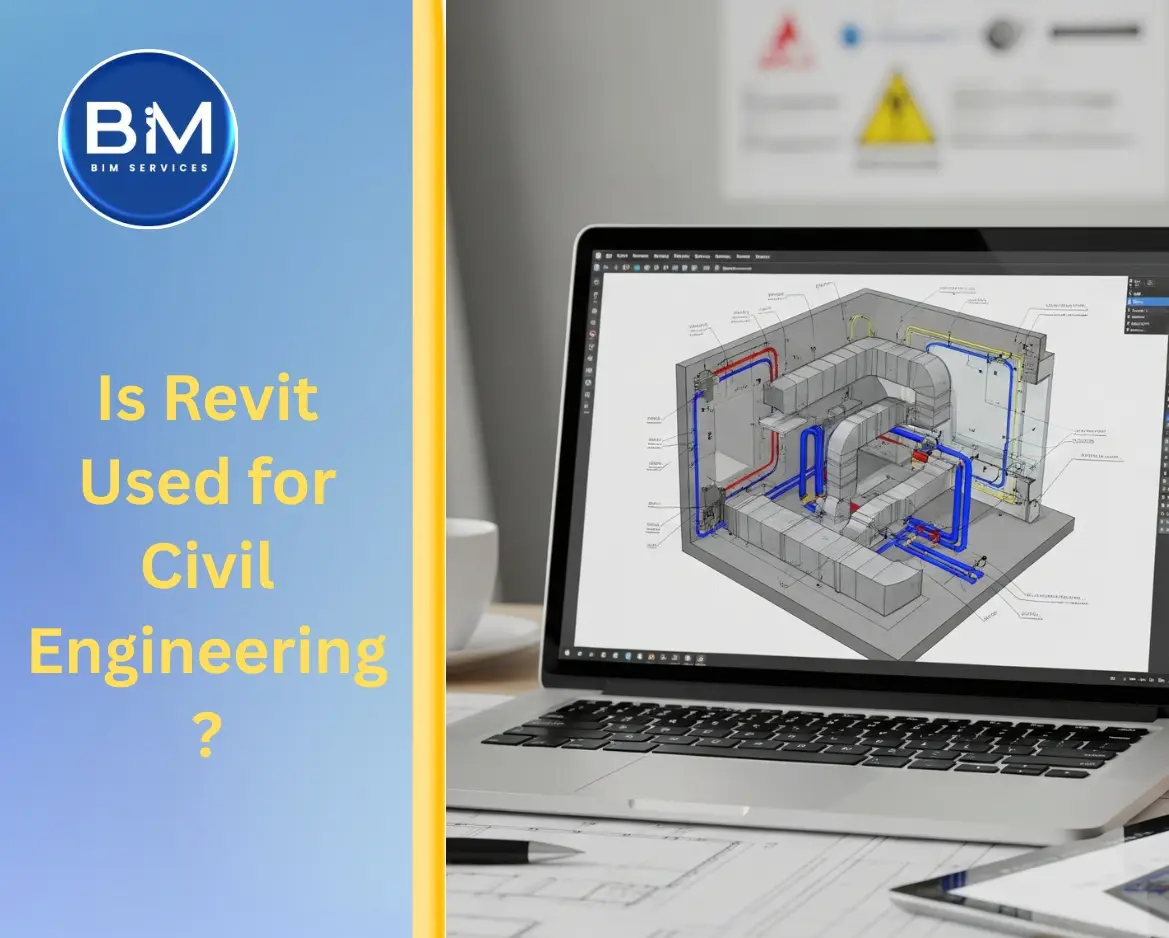
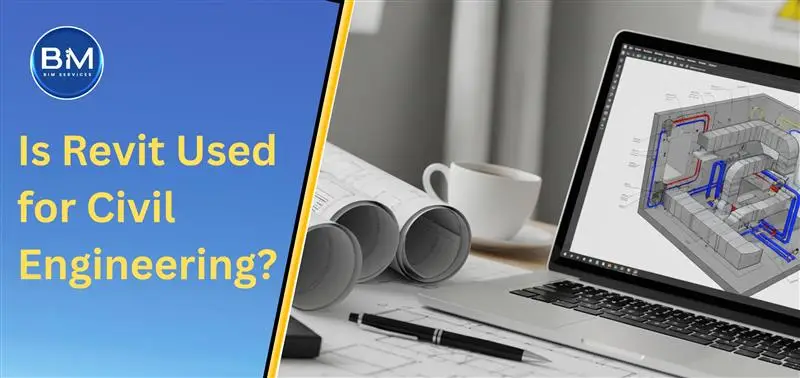
Revit is a Building Information Modeling (BIM) platform. Instead of just lines and layers like traditional CAD, it creates a 3D, data-rich model where every element – footing, slab, wall, ramp, pipe – carries information.
For civil engineers, that means you are not just drawing foundations or retaining walls; you are building an intelligent model that can be used for quantities, coordination, and construction planning.
Revit software for civil engineering helps you see how your foundations, pits, trenches, and site elements actually interact with the rest of the building. You are no longer guessing from flat 2D drawings; you’re reviewing a coordinated 3D environment that architects, structural engineers, MEP engineers and BIM professionals are all working in.
Where Revit Actually Fits in Civil Engineering Work
Revit is not meant to design highways, dams, or city-wide drainage networks. Those tasks belong to tools like Civil 3D, OpenRoads, InfraWorks, and hydraulic analysis software. But wherever your civil scope is directly tied to buildings and structures, Revit becomes extremely useful.
Typical use cases where Revit civil engineering software works well:
- Building foundations, rafts, pile caps, retaining walls and basement walls
- Podium slabs, ramps, parking decks and complex level transitions
- Site works around buildings – driveways, internal roads, sidewalks, curbs, basic drainage and utility routing within the plot
- Trenches, pits, sumps and external works that must be closely coordinated with MEP and architectural layouts
Here, the value is not that Revit “does the design” for civil engineers. The value is that it keeps everything coordinated, clash-aware and visually clear across disciplines.
Why Civil Engineers Should Still Learn Revit
If you are a civil engineer, you can’t afford to ignore BIM anymore. Even if your core design happens in Civil 3D or other analysis tools, Revit software for civil engineering gives you three hard benefits.
First, you get better coordination. You can see in 3D how your foundations, retaining walls and site levels interact with MEP services, shafts, lift pits, and architectural spaces. Issues like pipes cutting through footings, ramps not aligning with floor levels, or storm drains clashing with structural elements are easier to catch before they hit the site.
Second, documentation becomes more efficient. Plans, sections, and elevations are generated from the model. When the model changes, drawings update. You don’t waste time chasing dozens of disconnected CAD files. Quantities for concrete, rebar or walls can be pulled from the same model, which helps both estimators and construction managers.
Third, it strengthens your profile in the job market. Firms are actively looking for civil engineers who understand Revit and BIM workflows, not just raw AutoCAD skills. Knowing how to work in a shared model with architects, structural and MEP teams makes you much more useful on complex projects.
What About Engineering Students and BIM Professionals?
For civil engineering students, learning Revit early is a smart move. You don’t have to become a full-time BIM modeler, but you should know how to:
- Set up levels and grids
- Model basic structural elements like footings, beams, slabs, and walls
- Generate sections and schedules
- Navigate and understand a federated BIM model
This alone will put you ahead of many graduates who still think CAD is enough. For BIM professionals, Revit is already central. You use it to host coordinated architectural, structural and MEP models, manage standards, apply view templates, and prepare models for clash detection. From a BIM perspective, Revit civil engineering software is the environment where civil and structural elements must be clean, clash-free and consistent.
How Construction Managers and Firms Benefit
Construction managers don’t need to be Revit power users, but they benefit from the model every day. A coordinated Revit model:
- Helps visualize complex foundation conditions and basement services before excavation
- Makes it easier to explain details to site teams using 3D views and sections
- Supports more realistic planning, sequencing and quantity checks
For firms exploring Revit, the decision is not “Revit or Civil 3D”. The right move is a hybrid stack:
- Civil 3D, OpenRoads and hydraulic tools for design and analysis
- Revit civil engineering software for modeling building-related civil work and coordinating with architecture and MEP
- Navisworks, ACC or similar tools for clash detection and 4D/5D workflows
If you mainly work on highways and large infrastructure, Revit won’t be your lead tool. But if you handle buildings, campuses, hospitals, data centers, and mixed-use developments, Revit should already be part of your toolbox.
Be Clear: What Revit Won’t Do for Civil Engineering
To avoid any illusions: Revit will not replace specialized civil engineering software. It is not built to handle detailed road alignment design, full stormwater network analysis, river modeling, or complex land development optimization. If your daily work is expressways, canals, regional drainage or city planning, your design will still live inside civil and hydraulic tools. Revit comes into play mainly when those designs need to tie back into buildings and structure-heavy environments for coordination and visualization.
So the smart position for civil engineers is simple: Use Revit software for civil engineering where it gives you coordination, clarity, and better documentation. Use your design tools where calculations and code compliance matter. Don’t confuse one with the other.
Final Verdict: Is Revit Used for Civil Engineering?
Yes, Revit is absolutely used for civil engineering – especially in building-related projects, industrial facilities, basements, podiums, and site works around structures. Civil engineers, engineering students, BIM professionals, construction managers, and firms can all gain from adopting Revit civil engineering software, as long as they understand its role:
- It is a BIM and coordination engine, not a full civil design replacement.
- It is strongest when your work connects directly to buildings and multi-disciplinary teams.
- It becomes a serious advantage for careers and firms that want to stay relevant in a BIM-driven industry.
Use it where it makes sense. Combine it with your existing civil tools. That’s how Revit actually works in real civil engineering today.