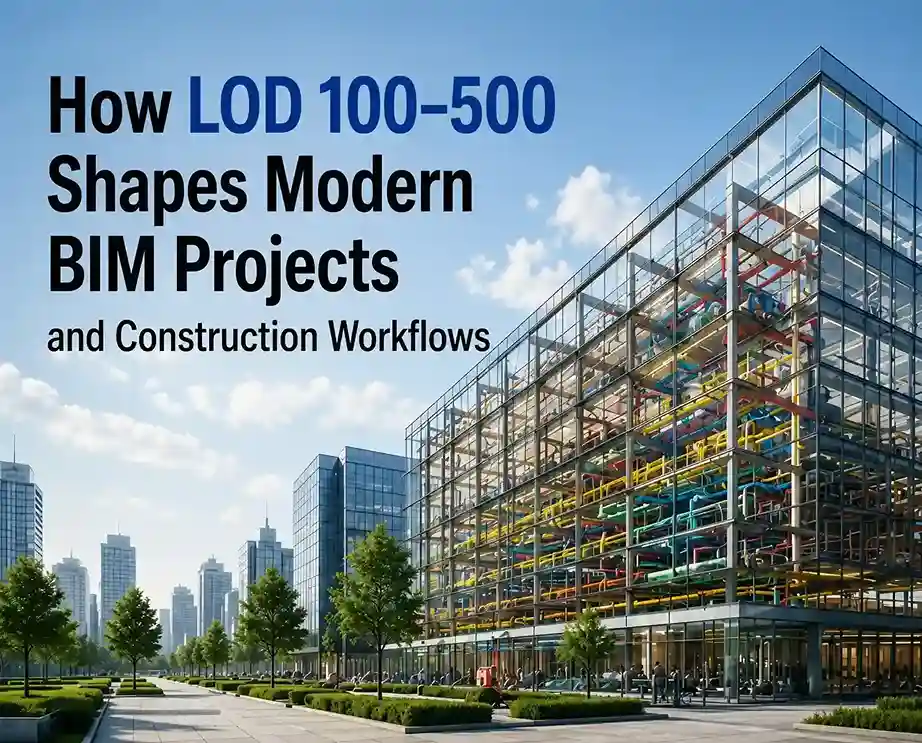
Introduction: Why LOD Matters in Your BIM Projects
You are responsible for a complicated construction process. The architectural team is designing the building enclosure, the engineers are designing the mechanical systems, and the contractors require knowing precisely what they are constructing. Without a detailed information framework, communication becomes an issue. Potential clashes are not recognized.
This is where LOD (Level of Development) comes into play. When talking about BIM Services, LOD is the key to proper communication between all parties involved in a project. It tells you how detailed your 3D BIM Modeling should be on each stage of development.
LOD 100-500 is more than mere understanding. It’s the dividing line between project success and project failure, mired in coordination headaches.
What is the Level of Development (LOD) in BIM?
Level of Development is an organized definition of how much geometrical and parametric information should be in a BIM model in each stage of the project. It can be considered as a progression from initial concept all the way to final construction model.
Why is this important? Because each stakeholder requires varying degrees of information. Your architect won’t require plumbing fixture schedules at a conceptual level, whereas your MEP contractor certainly will at the construction level. That’s where LOD comes into play.
That is why BIM Coordination Service works so effectively. When there is a universal understanding of what LOD entails, coordination conflicts disappear, and collaboration occurs flawlessly.
Breaking Down Each LOD Level: From Concept to Built
LOD 100: Conceptual Design
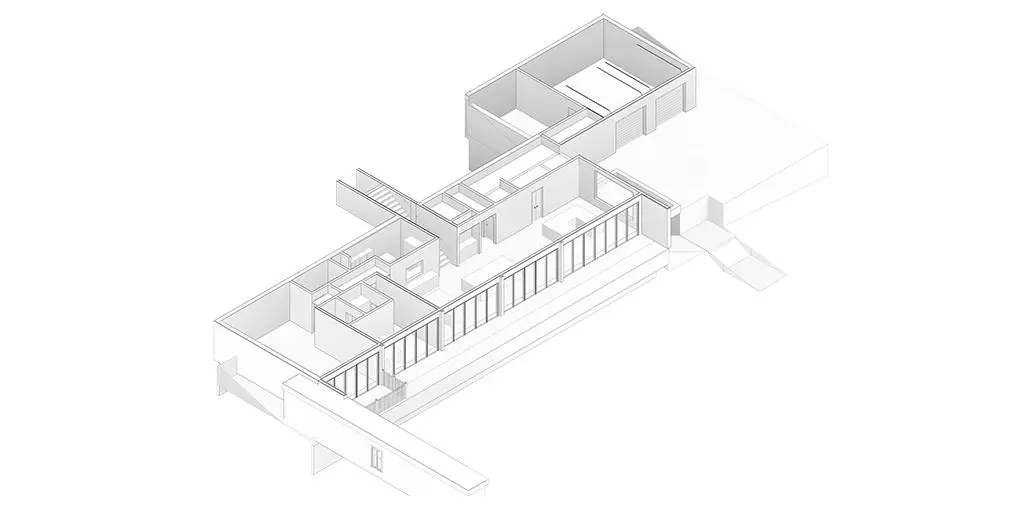
At the early concept stage. There is a layout of the building already created. Perhaps there is even a study of its height and massing. The components that are depicted in the model are simplified versions of the actual objects – a box depicting a whole floor, or a generic object depicting mechanical systems.
LOD 200: Design Development
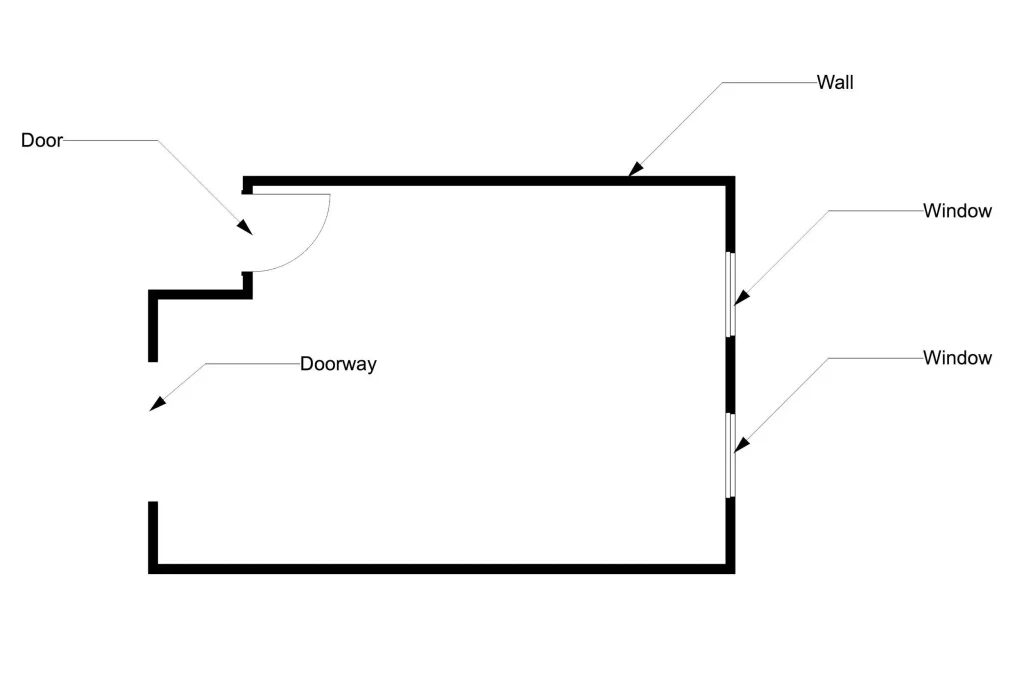
The design process has begun. There are components with a general idea of their geometry and dimensions. A wall is modeled with its thickness. There is a window, although there is no information about glazing. LOD 200 provides sufficient detail to allow initial coordination and communication between architects and engineers. It’s possible to do initial energy simulation and clash detection.
LOD 300: Construction Document Detail
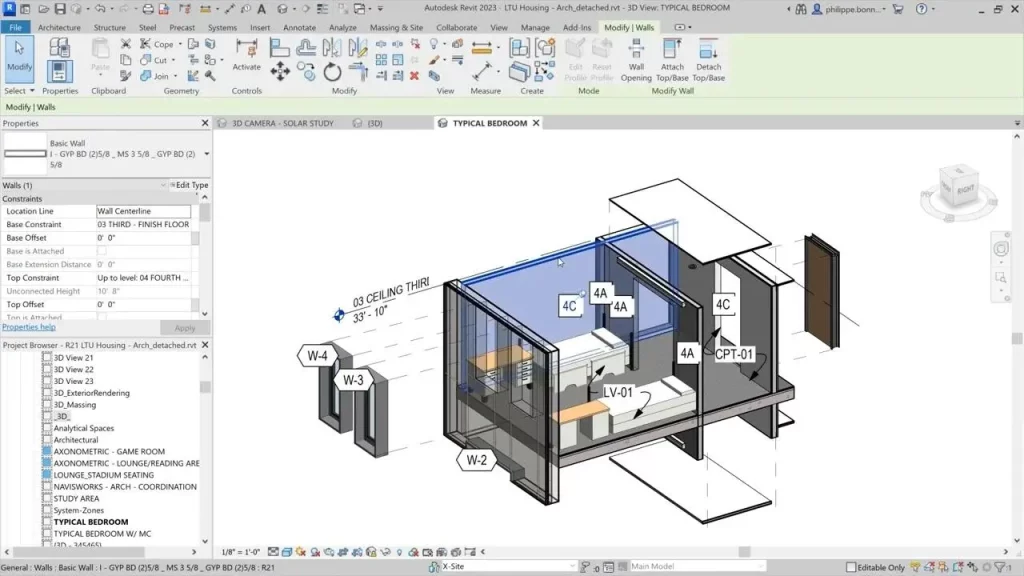
The details lie here. All the systems are accurately represented by their geometric forms and spatial positions. Walls are properly detailed with thickness, layers, and materials. Structural elements are precisely placed. MEPs are routed precisely. LOD 300 is the point at which BIM Coordination Service becomes crucial since clashes are found during this process and not after when the cost of correction will run into thousands of dollars.
LOD 350: Design-Assist & Pre-Construction
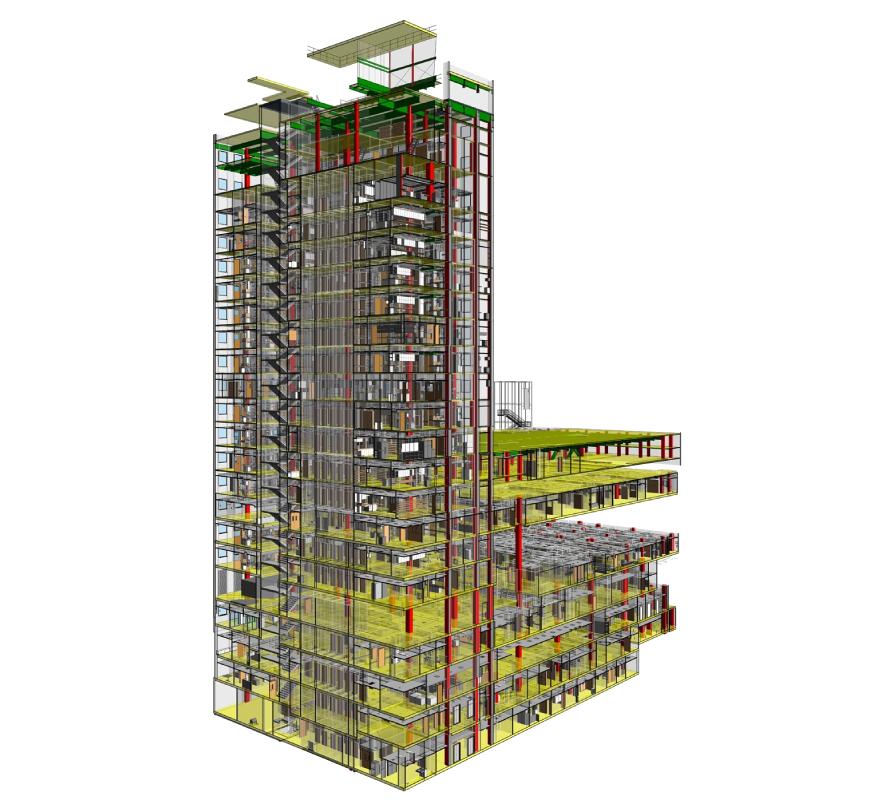
LOD 350 falls somewhere in between construction documents and fabrication details. Elements are modeled in sufficient detail for constructability studies and construction planning by contractors. This is the point where constructors begin to say, “Here is how we will be building this.” Logistics planning is done using LOD 350 models.
LOD 400: Construction/As-Built Model
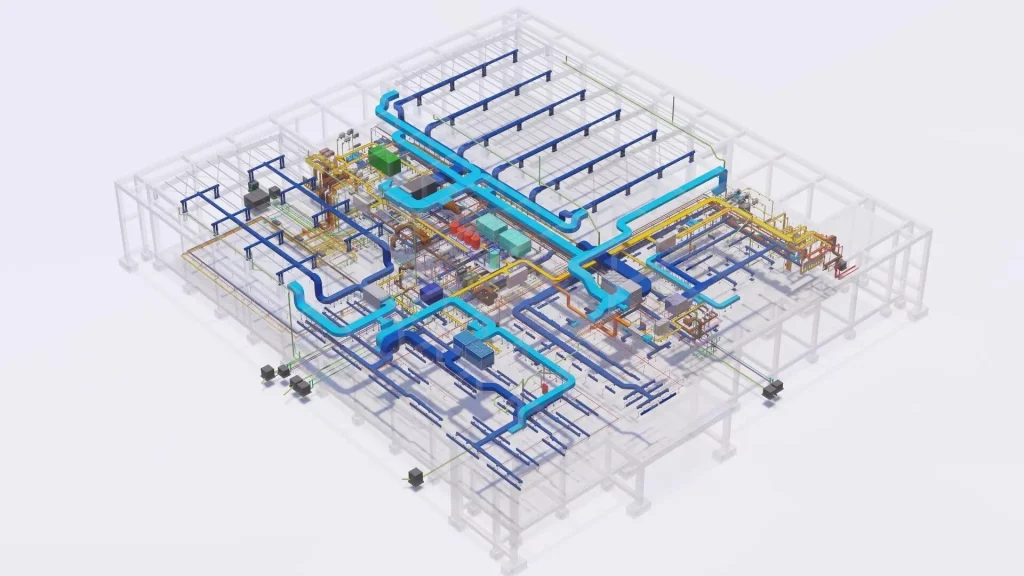
Construction is in progress, and the model incorporates the actual data of fabrication and assembly in the real world. Each part is described with precise dimensions, assembly process, and connections. These are the details that can be found in the actual shop drawings and specifications provided by suppliers.
LOD 500: Facility Management & Operations
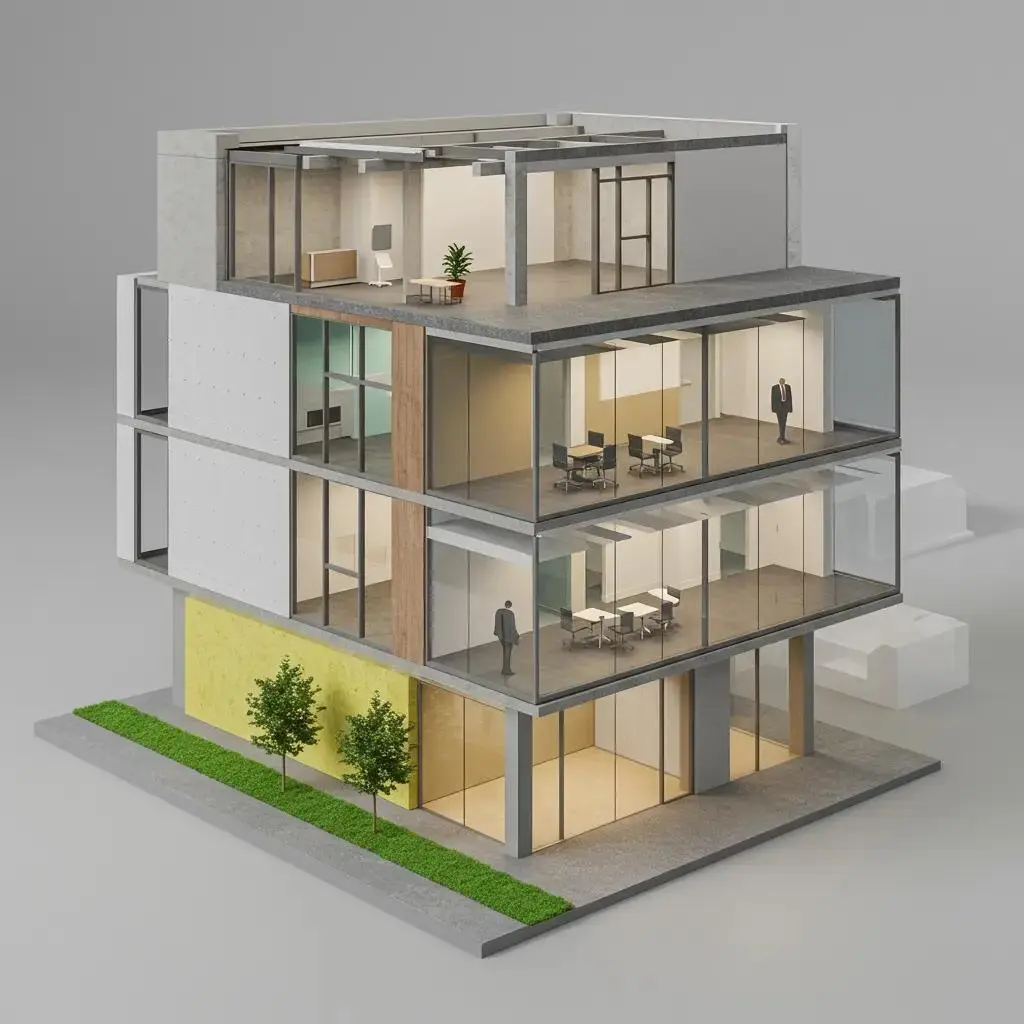
The construction of the building has been completed. In the model, we have all that the facility managers require such as maintenance schedule, warranties, spare parts, operations. All the components are related to BIM and facility management databases. LOD 500 is not about adding more geometry to the model; it is all about adding more information.
Quick Reference: Level of Development (LOD) 100-500 Comparison Table
| LOD Level | Description | Geometry Detail | Usage in Projects | Industry Use |
| LOD 100 | Conceptual | Simplified volumes | Massing & feasibility | Design |
| LOD 200 | Design Development | Approximate dimensions | Coordination & energy | Design & Coordination |
| LOD 300 | Construction Documents | Accurate geometry & dimensions | Clash detection & documents | Design & Coordination |
| LOD 350 | Design-Assist Phase | Fabrication-ready details | Constructability planning | Construction |
| LOD 400 | As-Built | Exact as-built conditions | Record for handoff | Construction |
| LOD 500 | Facility Management | Full operational data | Lifecycle management | Facility Management |
How Level of Development (LOD) Works in Real Construction Projects
Let’s put this into practice. Say you’re managing a 200,000-square-foot office building with MEP systems, structural steel, and a complex facade.
- The design phase starts with LOD 100 massing – your architects show the concept, and you run a rough budget.
- As design develops, LOD 200 models emerge. Structural engineers model grid lines, architects refine floor plates, MEP designers sketch approximate equipment locations.
- LOD 300 construction documents arrive. This is where BIM Coordination Service shines. Structural, architectural, and MEP models are linked in a federated model. Clash detection runs. A ductwork run was interfering with a beam? It’s caught here, not on the jobsite. Cost of fixing: a few hours of modeling. Cost of fixing during construction: tens of thousands.
- During preconstruction, LOD 350 models help the contractor plan sequencing. They pull exact equipment dimensions, routing paths, and assembly sequences right from the model. Less guesswork. Faster installation.
- As construction progresses, the model is updated to LOD 400 with as-built conditions. When the building opens, LOD 500 data is loaded into the facility management system.
This is where 3D BIM Modelling connects to real business outcomes: faster coordination, fewer clashes, better handoff to operations.
Why Level of Development (LOD) Matters in Modern Construction
- Reduces Clashes and Coordination Issues – BIM Coordination Service relies on agreed LOD levels. When everyone models to the same standard, conflicts surface early, not late.
- Improves Schedule and Cost Predictability – Construction teams plan more accurately with detailed geometry. Surprises decrease.
- Enables Seamless Handoff to Operations – LOD 500 creates a foundation for decades of asset management. Maintenance teams have accurate component data, not guesswork.
- Clarifies Team Expectations – When a specification says ‘LOD 300,’ everyone knows what that means. No more misaligned assumptions.
Professional BIM Services depend on mastering LOD. It’s the language that bridges design, construction, and operations.
Wrapping Up: LOD as Your BIM North Star
LOD 100-500 isn’t a rigid checklist. It’s a framework that gives structure to your BIM workflow-from early concept sketches to detailed as-built records to lifecycle data.
When you commit to clear Level of Development (LOD) definitions, you’re committing to better coordination, fewer surprises, and more confident decision-making across your project team. Whether you’re using BIM Services for a small tenant improvement or a large mixed-use development, understanding and applying LOD is what separates smooth projects from chaotic ones.
Start today. Define your LOD expectations for your next project. Your team-and your schedule-will thank you.